Introduction to OKX Wallet
Here's how to use the OKX wallet.
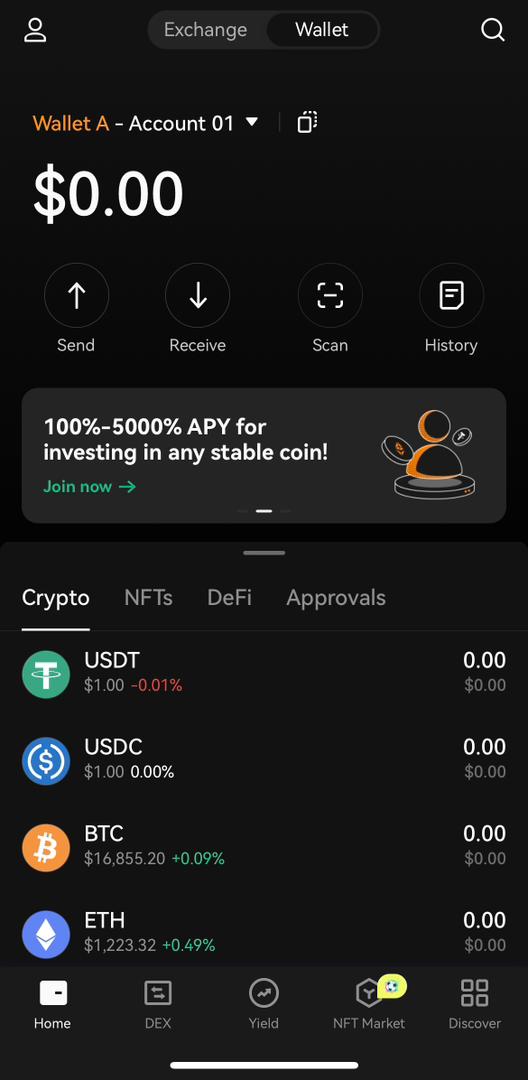
User participation in the crypto space requires you to be able to buy, sell and store cryptocurrencies. Therefore, wallets (especially decentralized ones) are essential. This is because they enable users to have total control over their crypto assets.
There are several non-custodial, decentralized wallets. Some are designed to store a particular cryptocurrency. Then, others can store disparate numbers of cryptocurrencies. This piece will walk you through the OKX wallet.
Introduction to the OKX Wallet
OKX wallet is developed by one of the most rapidly expanding centralized exchanges, OKX. The platform has approximately $1 billion in daily trading volume. The wallet is a non-custodian, decentralized wallet built with multi-chain capabilities. It also supports its fast, decentralized OKX blockchain.
The OKX wallet works as an interoperable wallet. It’s built to support a wide range of blockchains such as Bitcoin, Ethereum, OKC, Binance, Tron, Polygon, Solana, Avalanche, Fantom, Aptos, Arbitrium, and Optimism.
Interoperable by design, the wallet enables users to acquire access to decentralized applications seamlessly. This eliminates the need to switch between wallets or blockchain networks. Furthermore, users can access this wallet via a desktop computer. But they have to connect to the wallet’s web extension. They can also use it on a mobile device by using the OKX app.
It is important to note that the OKX exchange cannot access your wallet’s assets, private key, or password. They are separate entities just like Binance and Trust Wallet are separate.
A Quick Guide to Setting Up Your OKX Wallet
So, here’s how to use the wallet. First, get the OKX app from the App Store (for iOS users) or Google Play Store (for Android users).
Then, start the OKX mobile app after it has been installed. Switch to the OKX Wallet from the home screen.
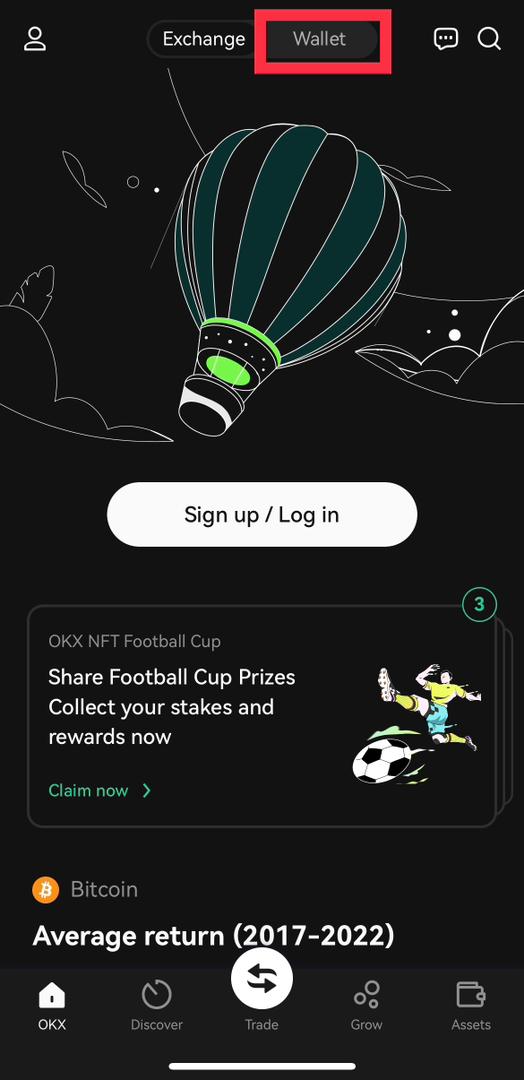
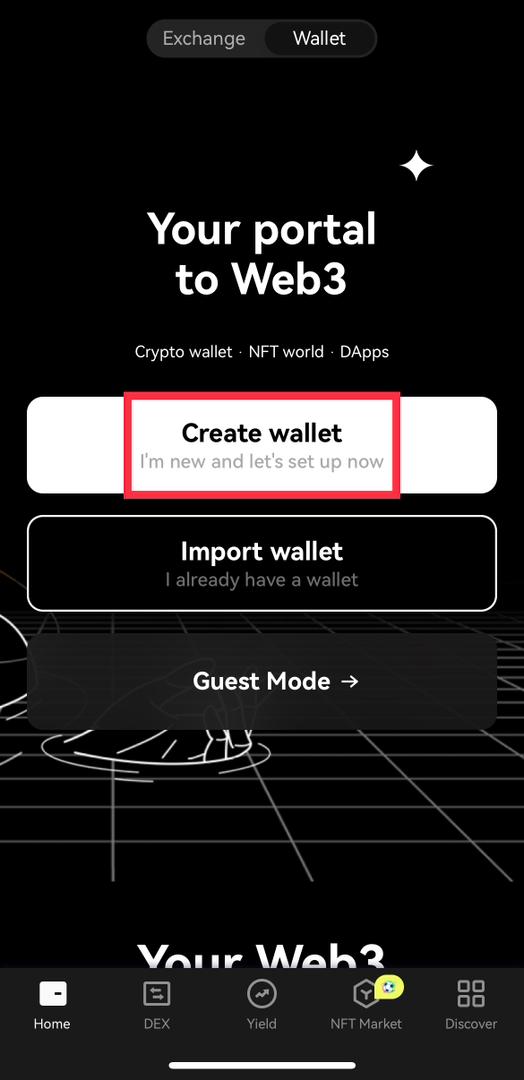
Create a new wallet.
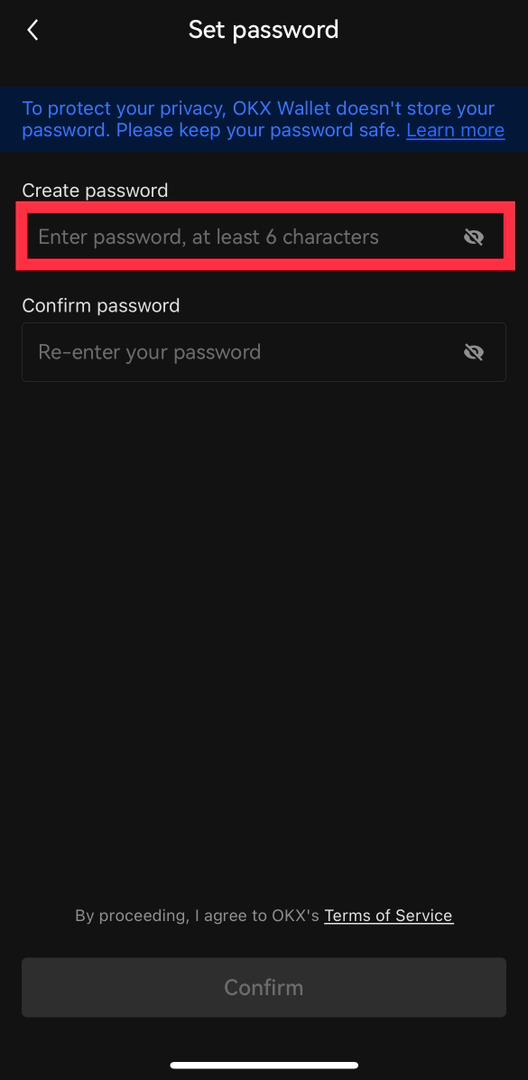
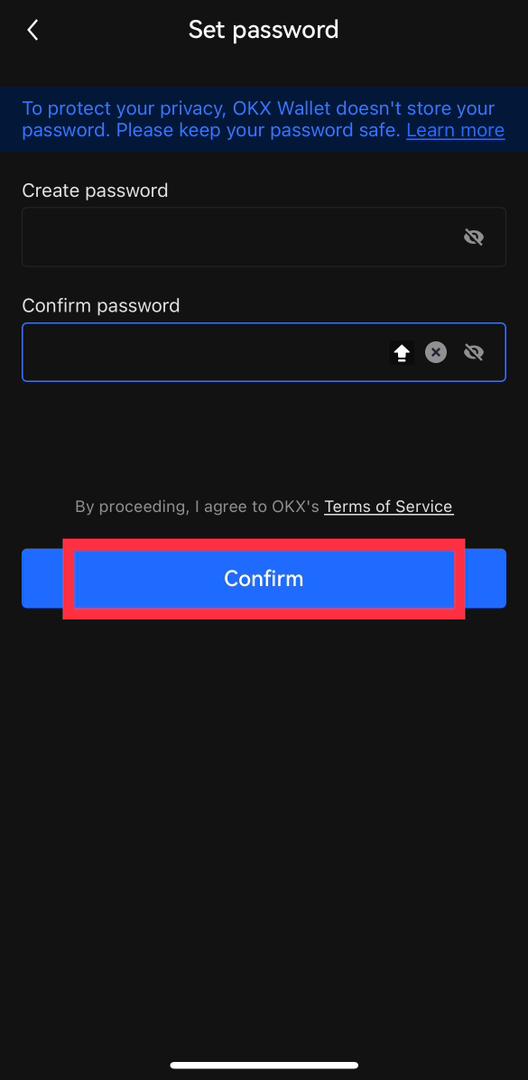
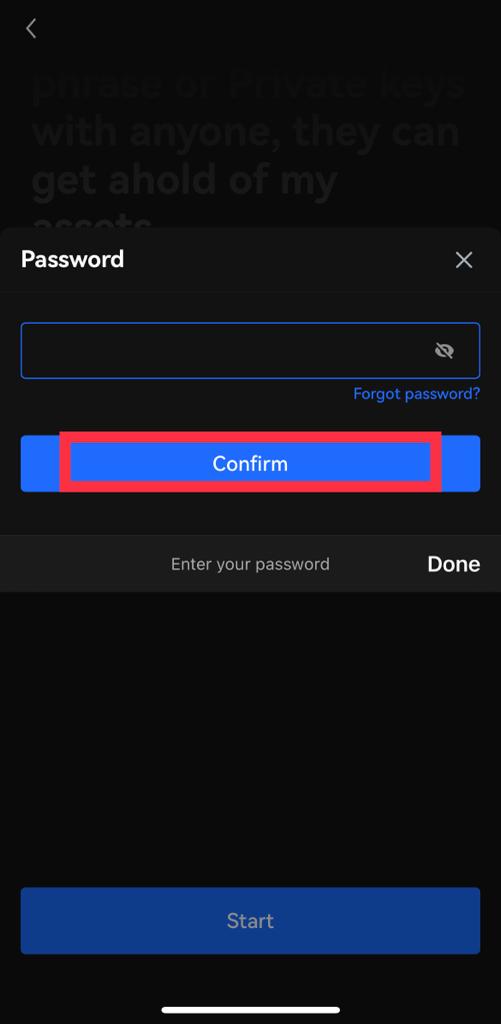
Setup your wallet’s password and confirm it. You’ll need this whenever you start the OKX app and switch to your wallet.
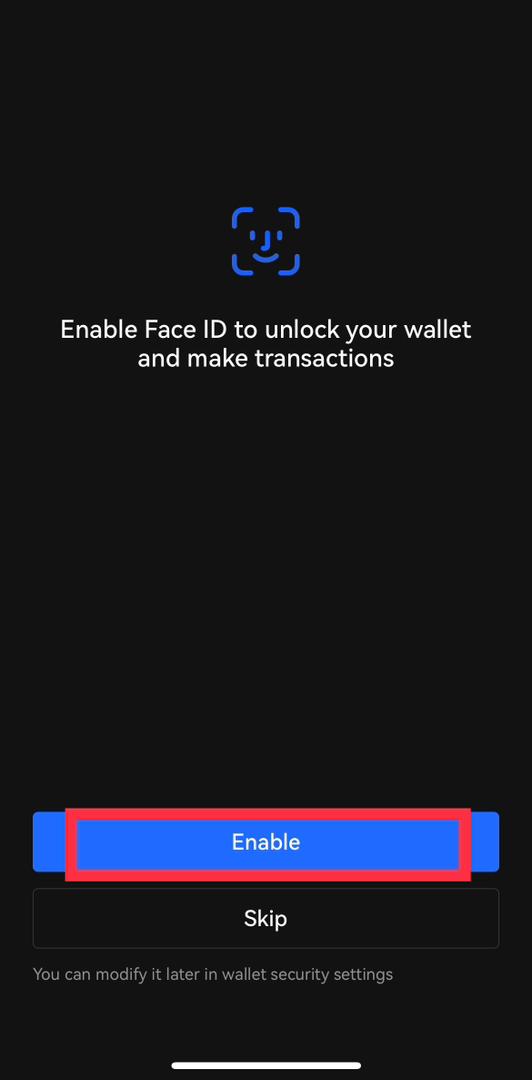
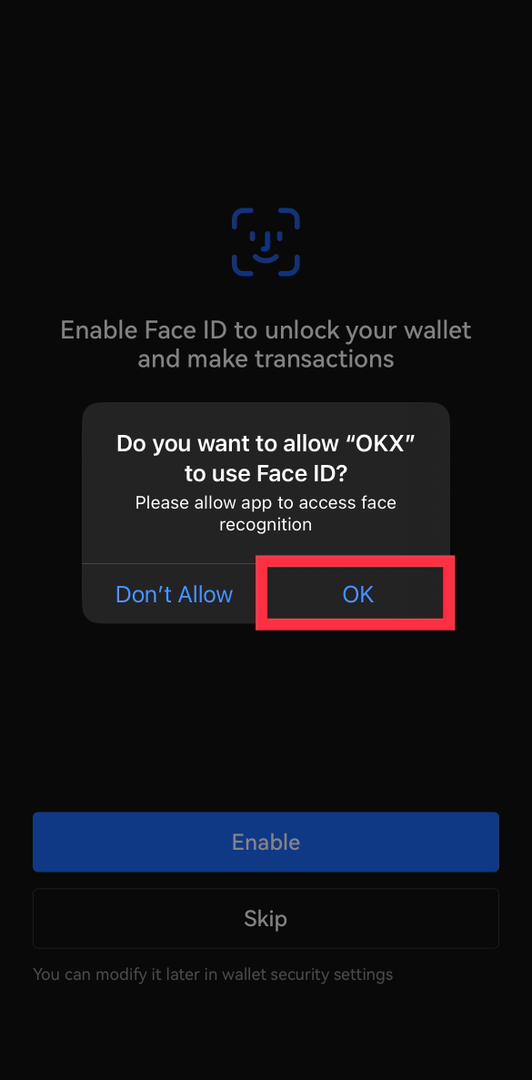
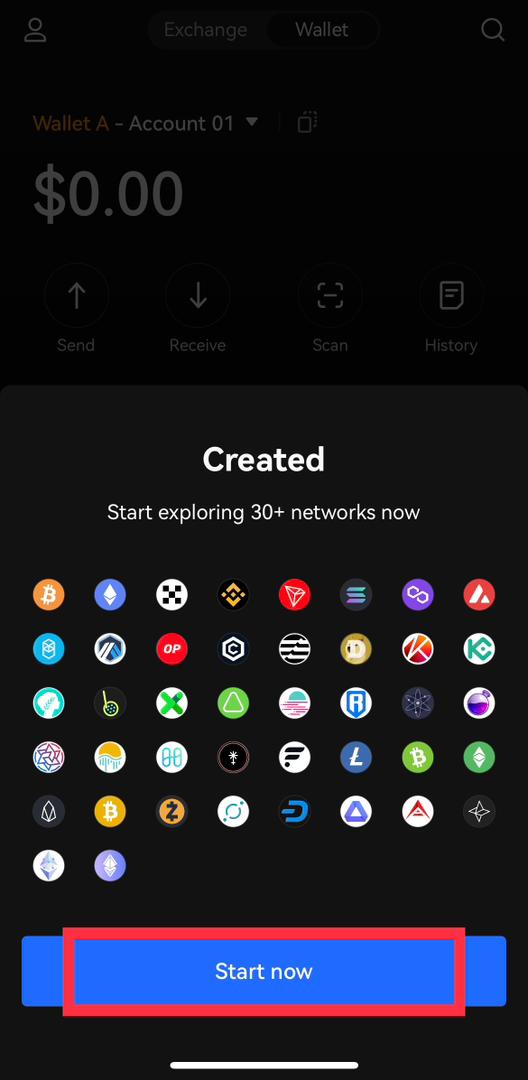
Furthermore, you must back your wallet up before sending any cryptocurrency. You need this for quick access to your wallet from any other device.
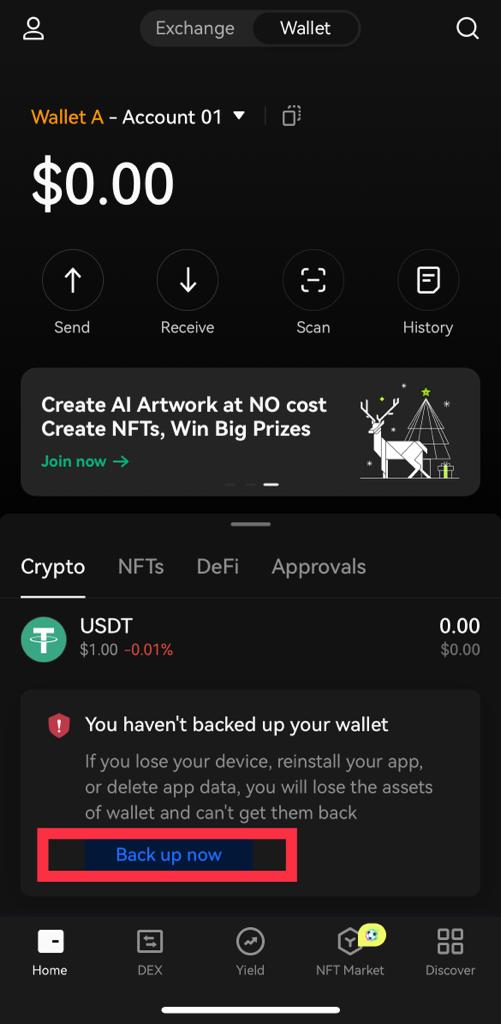
Back up Your Wallet
To back up your wallet, follow the steps shown in the images below.
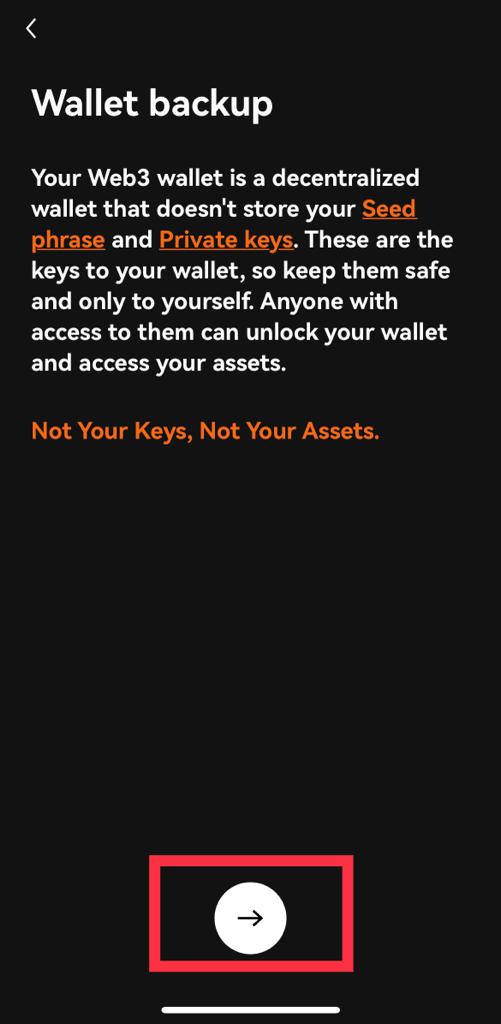
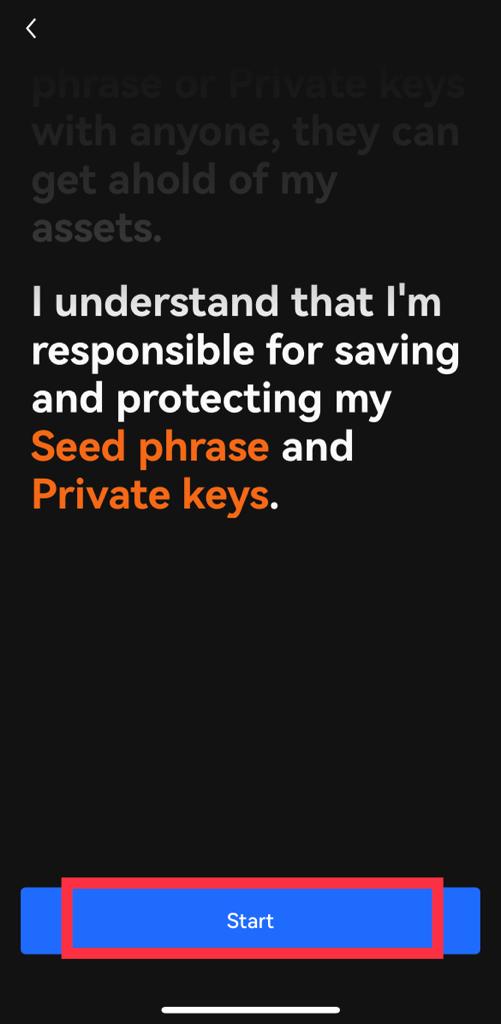
Before you are provided with your seed phrase, you’ll get a prompt to input your wallet’s password. This is simply for security reasons. So, the seed phrase is your wallet’s master key. Anyone who knows it can completely control your wallet and can initiate transactions at any time.
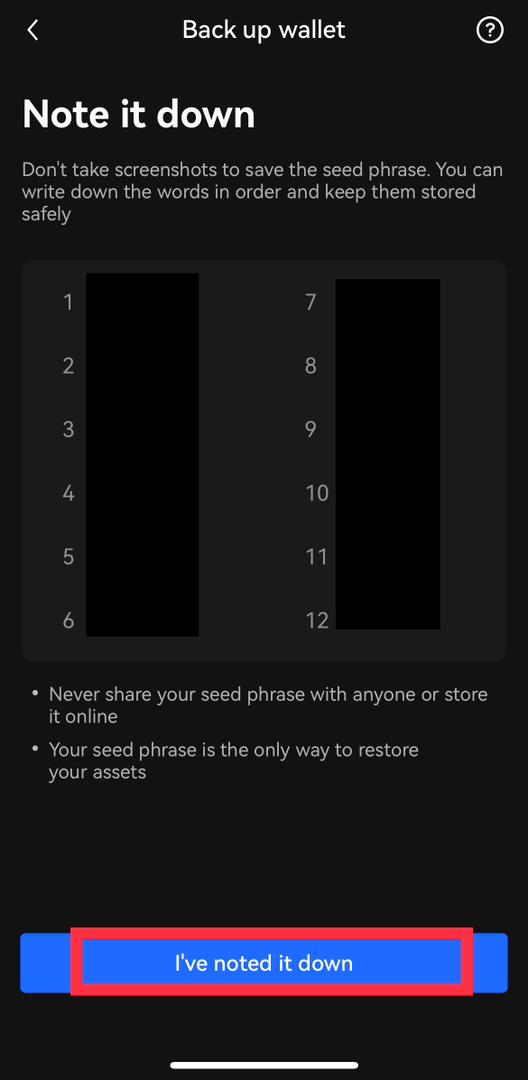
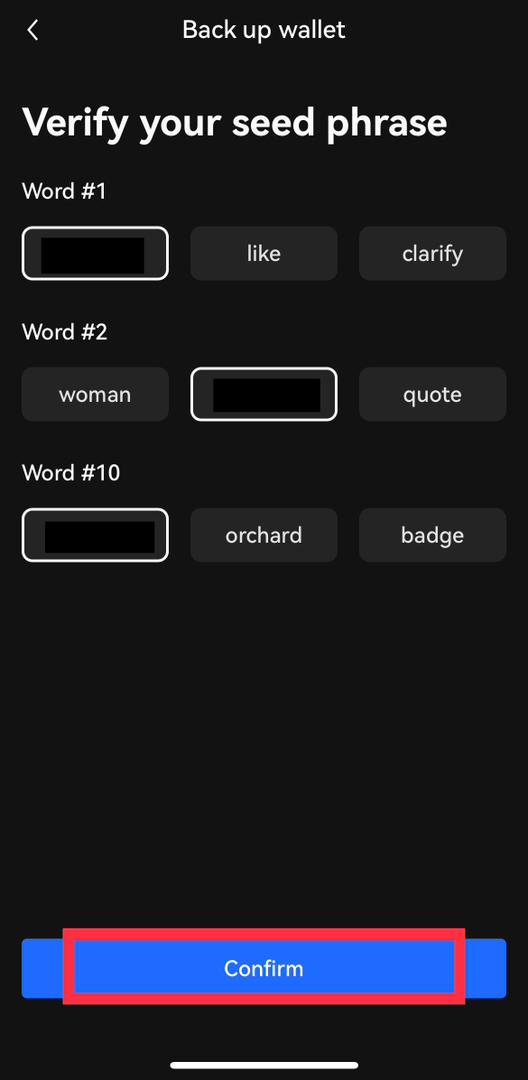
To reveal your seed phrase, click on the gray box. The most secure method of storing your seed phrase is to carefully write all 12 words (sequentially) with a pen and paper. You’ll need this seed phrase to access your wallet on a new device. Without it, you’ll lose your assets.
Some Benefits of the OKX Wallet
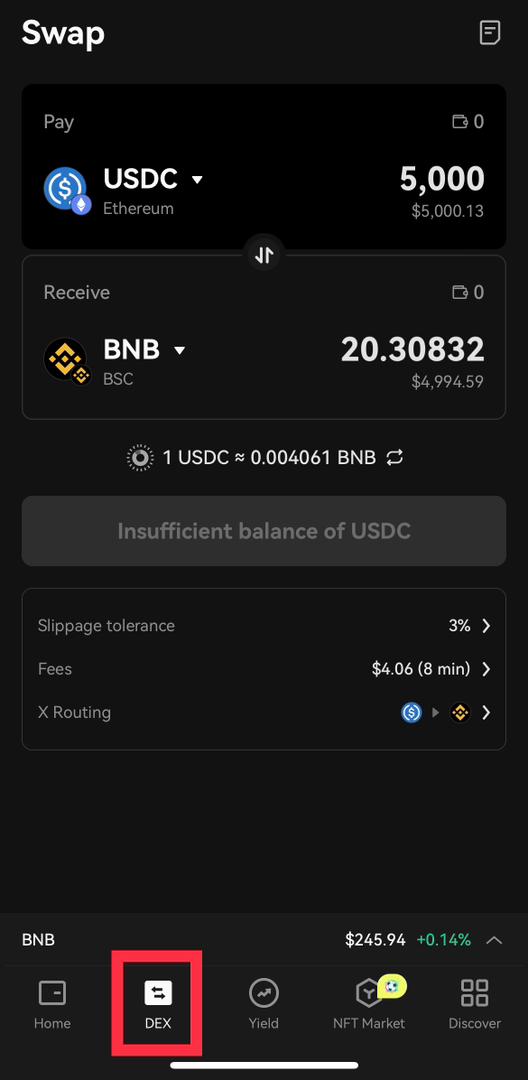
- Cross-Chain Swaps: Users can swap tokens between blockchain networks if they store tokens in multiple networks. For instance, in the event that you have $USDC on Ethereum and you really want to switch it over completely to $BNB (Binance Coin) to utilize a BNB Chain decentralized application. Such transactions are possible and effortless with the OKX wallet using their DEX.
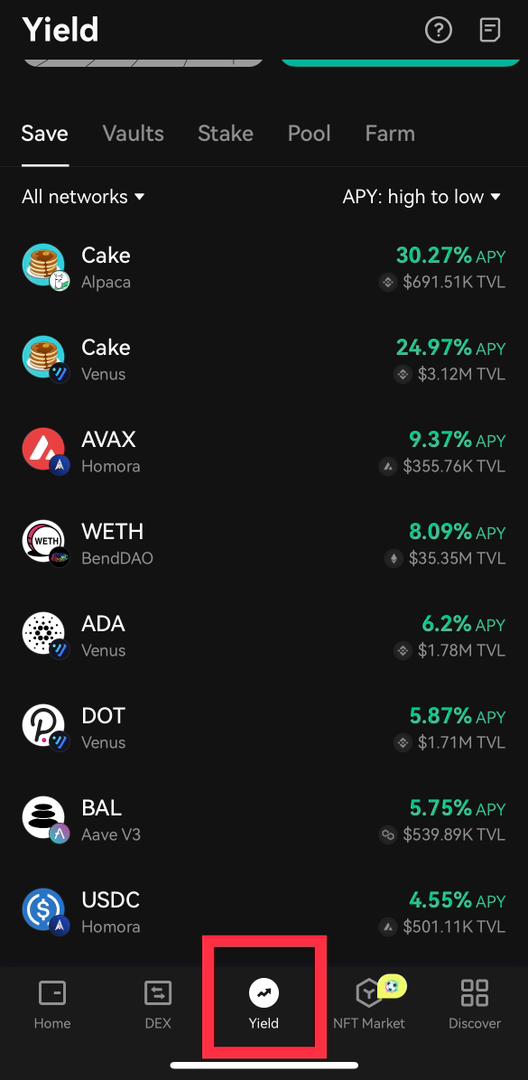
- Earn Yield from Top Decentralized Applications (DApps): Users can participate in DeFi protocols built on multiple blockchains. They don’t have to connect multiple wallets to different protocols that run on multiple blockchains. This is thanks to the wallet’s integration of leading or top decentralized applications.
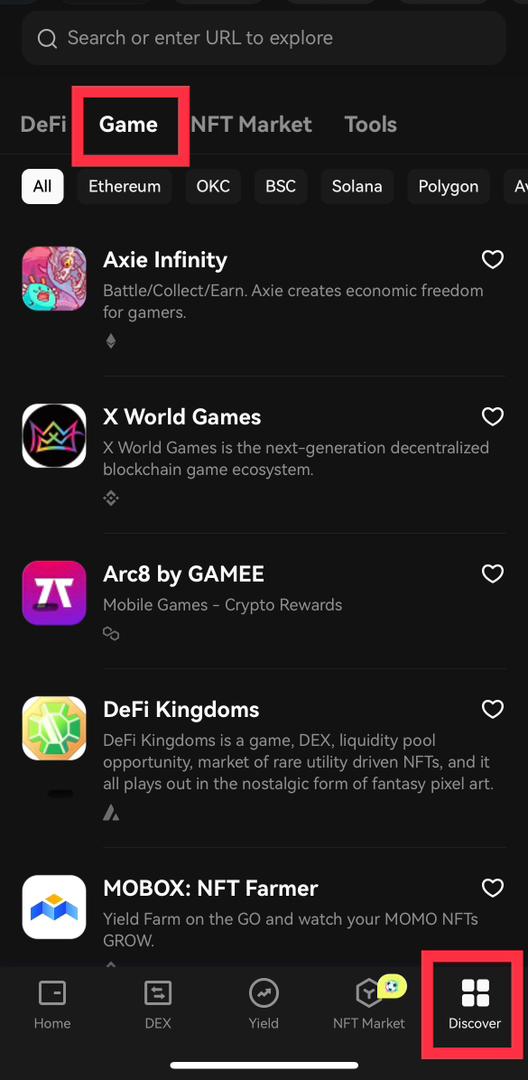
2. Explore GameFi with a single wallet: OKX aims to open up the world of Web3 to its users. So, users can quickly and easily access several blockchain games. They not only play these games but also have complete control of their in-game assets.
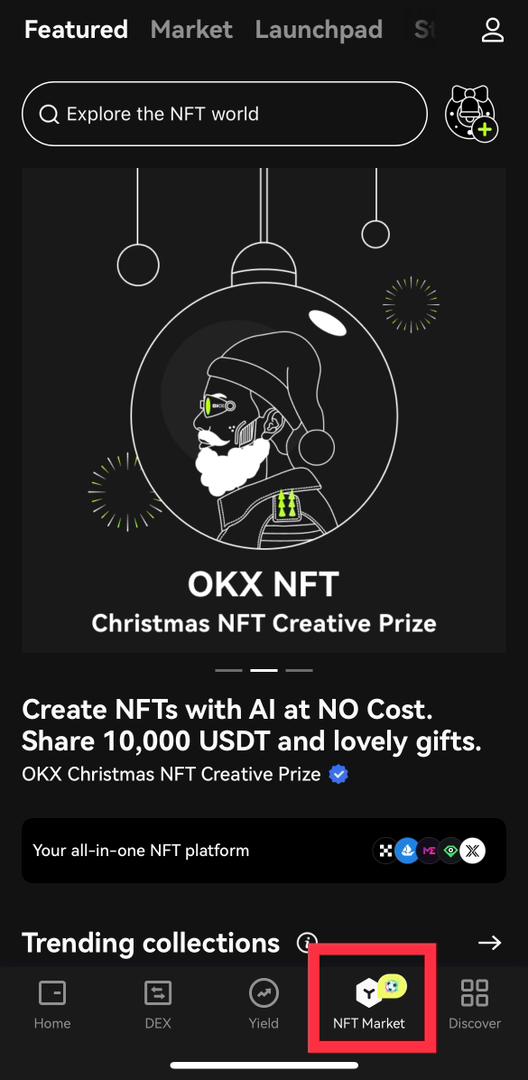
3. Trade and Create NFTs: OKX designed this wallet with NFTs in mind. So, users can easily access OKX’s NFT Marketplace. This also serves as a platform to create NFTs across multiple chains. In summary, NFT enthusiasts can exploit storing, purchasing, selling, and making NFTs with only a few snaps.
Now, that’s it for setting up this wallet. Pretty easy, right?
⬆️ For more cryptocurrency news, check out the Altcoin Buzz YouTube channel.
⬆️ Our popular Altcoin Buzz Access group generates tons of alpha for our subscribers. And for a limited time, it’s Free. Click the link and join the conversation today.
Next up
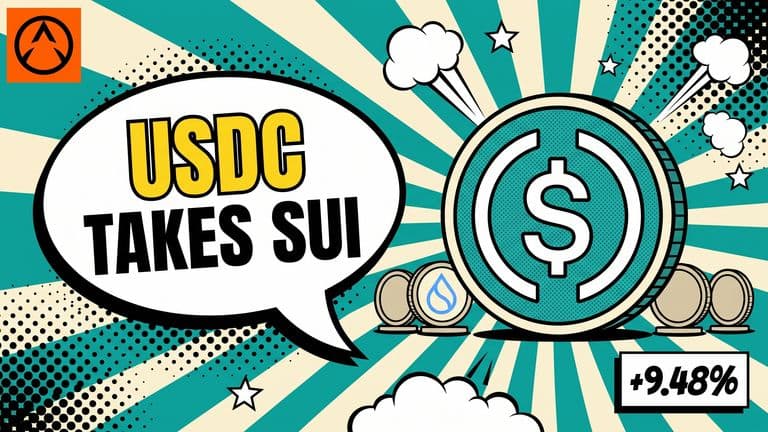
USDC on Sui Grew 9.5% in a Week, Stablecoin Market Cap Grows by $32.2 Million
USDC on Sui rose 9.48% in seven days to $344.98 million while Sui Dollar and USDT slipped, DefiLlama data shows. No 7-day total for Sui is published.