This guide contains details step on how you can transfer your tokens from the Binance Smart Chain network to the Polygon network.
Currently, the XPollinate bridge supports the xDai chain, Polygon, Fantom, and BSC Network. In this guide, we will explain how you can use the XPollinate bridge to transfer your tokens from the BSC network to the Matic network.
For instance, you can read our previous guide on transferring your tokens from the Ethereum network to the Binance Smart Chain network.
It’s important to mention that the xPollinate bridge is in the Alpha release version. So take utmost care while using it.
At the time of writing the article, the XPollinate bridge was experiencing some issues with V2 transactions. Therefore, we tried with the V1 bridge.
Firstly, you need to connect your wallet. The bridge currently allows you to connect using two wallets: Metamask and WalletConnect.
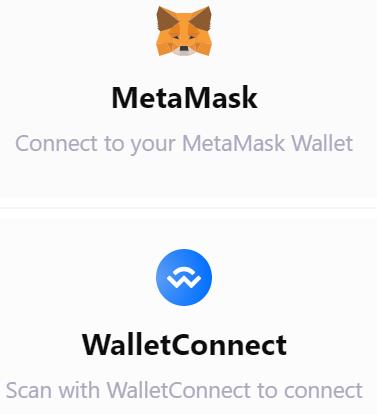
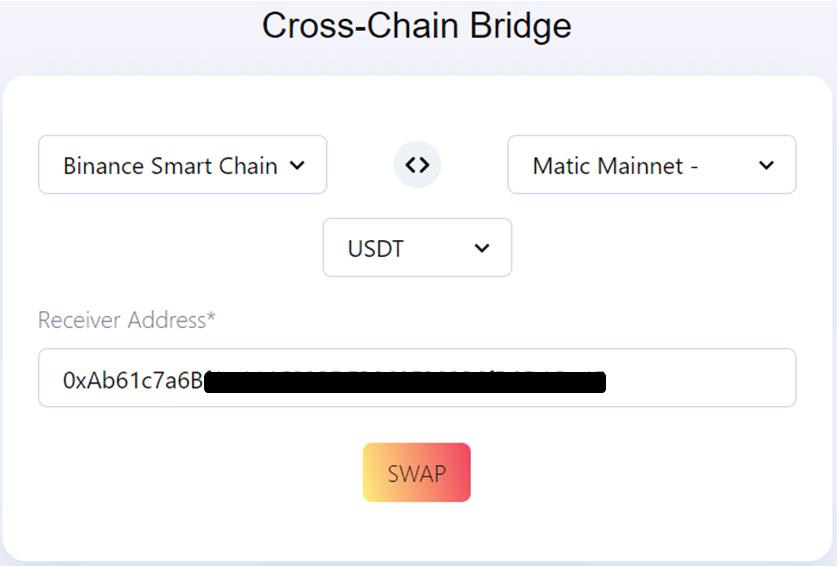
Once you connect with your desired wallet, set it to Binance Smart Chain network. The below page will appear where your need to fill in the following details related to your transfer:
Further, the receiving address will be filled in by the application. It is the address where you will receive your tokens after transferring them to the destination network.
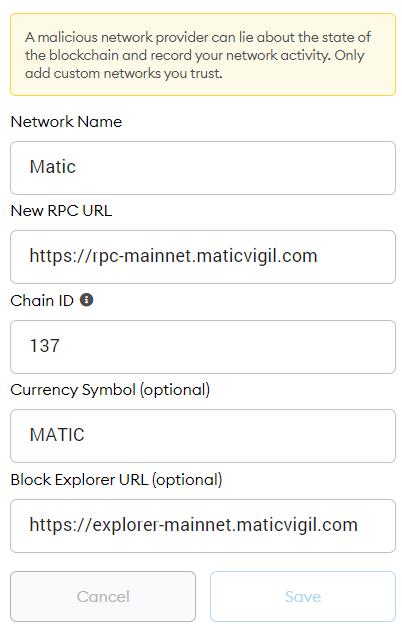
Also, users are required to set up a destination network in their selected wallets, just like the picture below.
Secondly, if you have already set up Matic network details in your Metamask wallet, you can skip this step. Otherwise, use the following details to set up the Matic network.
Moreover, to add the network, go to Settings, click on Add Network and fill in the above details (see screenshot below).
Once you have fixed all the above details, click on the Swap button.
Next, the user must fill in the amount of the tokens they wish to transfer. You can check the estimated fee and the amount you will get at the destination address. See the picture below.
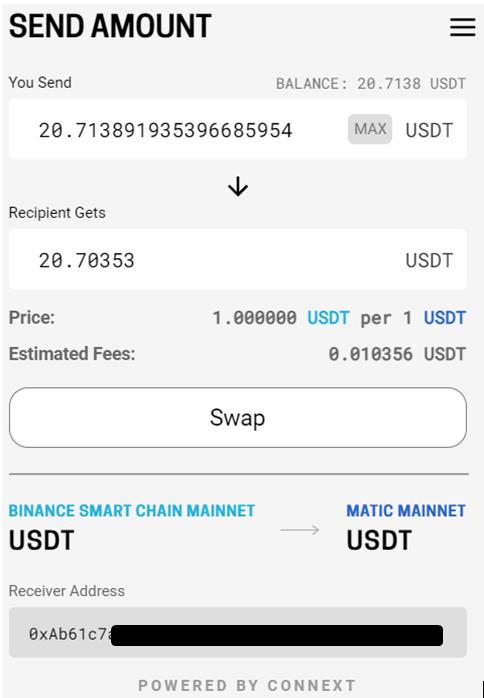
Confirm the process by hitting the Swap button. This will trigger a Metamask transaction that you need to confirm.
Once the transaction is successful, you will receive a success message. Then, click on the Add USDT To Matic Mainnet to add the token to your wallet. Just like in the picture below.
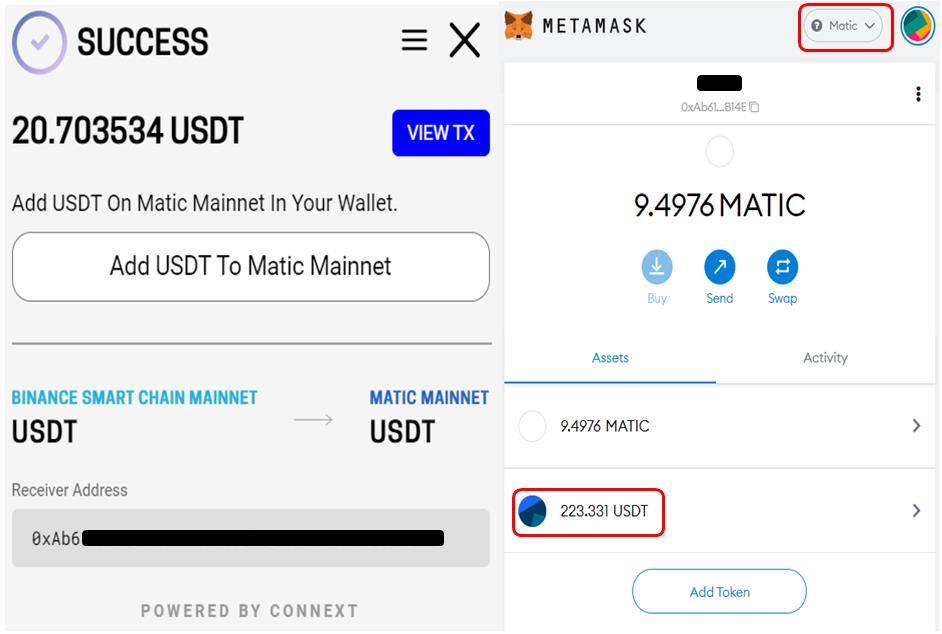
You can follow similar steps to transfer DAI and USDC to the different supporting networks.
Join us on Telegram to receive free trading signals.
For more cryptocurrency news, check out the Altcoin Buzz YouTube channel.
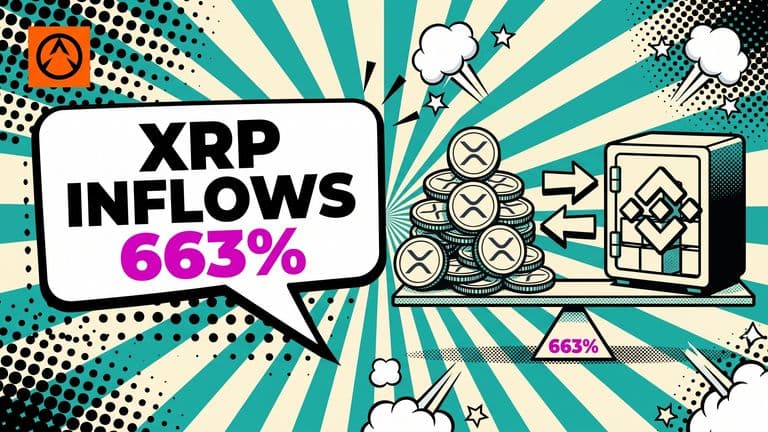
XRP deposits to Binance hit 21.7M tokens daily, 663% above the quarterly baseline. Yet reserves rose just 0.22%, suggesting rotation rather than selling.
 XRP
XRP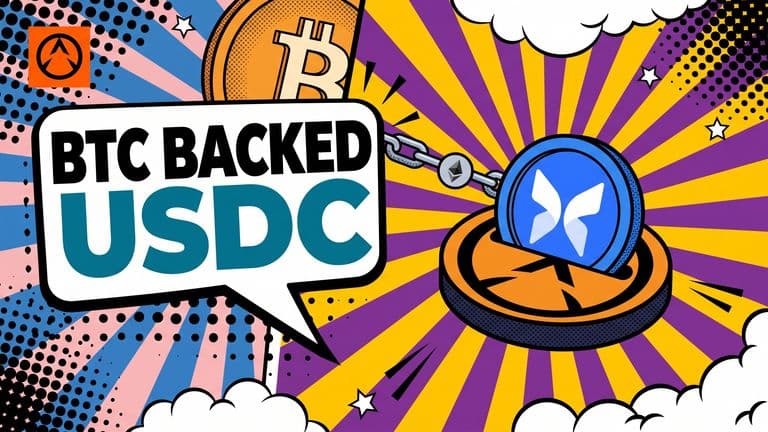
Circle's Digital Asset-Backed Borrowing lets institutions post cirBTC on Morpho to borrow USDC, with rates set by the lending market.
 BTCUSDC+1 more
North Korea's WaterPlum stole at least $10.7M posing as crypto recruiters, infecting 30,000+ devices in 100+ countries, a four-country advisory said.

